AI Cloud
- Cloud Native Product Development
- Cloud Native FaaS
- Monolith to Microservices
- DevSecOps as a Service
- Kubernetes Zero Downtime
Introduction: Why Kubernetes Errors Happen So Often
Understanding Kubernetes Error Patterns
Error #1: CrashLoopBackOff
Error #2: ImagePullBackOff and ErrImagePull
Error #3: Pending Pods (Insufficient Resources)
Error #4: OOMKilled (Out of Memory)
Error #5: Node NotReady
Error #6: Service Not Accessible (Networking Issues)
Error #7: Failed Mount / Volume Errors
Error #8: CreateContainerConfigError
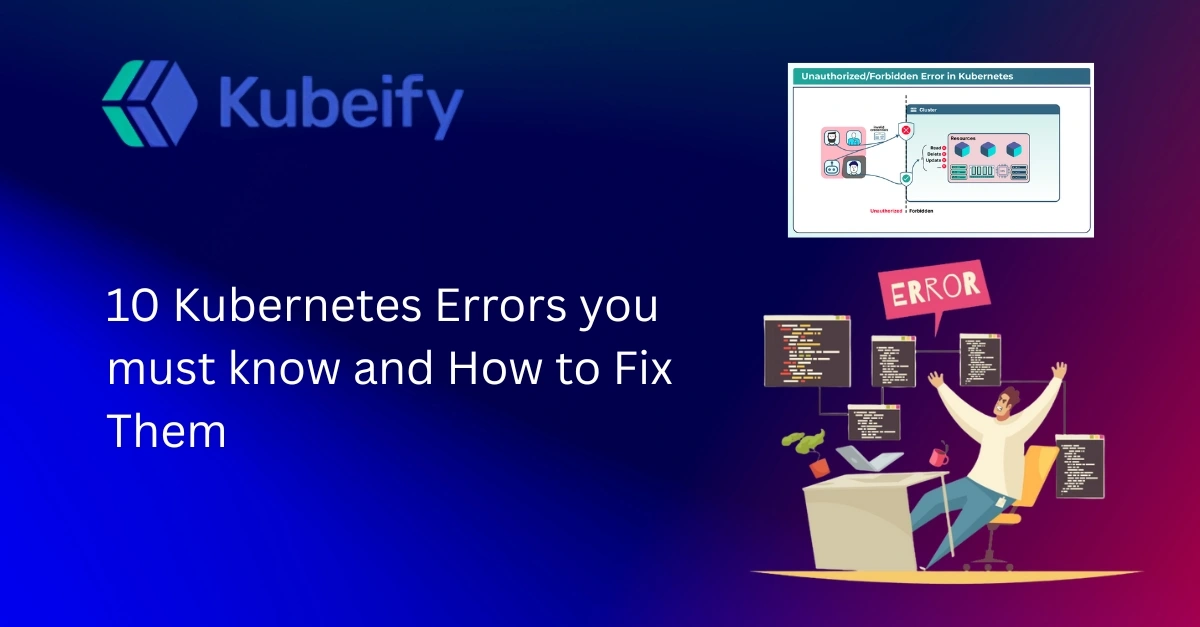
Error #9: Unauthorized or RBAC Permission Errors
Error #10: DNS Resolution Failures in Kubernetes
Kubernetes Error Prevention Best Practices
Frequently Asked Questions (FAQs)
Final Thoughts
Kubernetes is powerful, flexible, and incredibly popular but it is also unforgiving. A single misconfigured YAML file, an incorrect image tag, or a missing permission can bring your workloads to a grinding halt. For beginners, Kubernetes errors feel cryptic. For experienced engineers, they are familiar but still time-consuming.
The reality is simple: Kubernetes is a distributed system. Distributed systems fail in more ways than monolithic applications ever could. Nodes disappear, containers crash, networks flake out, and storage gets detached at the worst possible time.
This article focuses on Kubernetes errors you must know, not obscure edge cases. These are the errors you will see repeatedly in real production clusters. More importantly, you will learn why they happen, how to diagnose them, and how to fix them properly.
If you work with Kubernetes in any serious capacity DevOps engineer, SRE, platform engineer, or backend developer this guide will save you hours of debugging.
Before jumping into specific issues, it helps to understand how Kubernetes reports errors. Kubernetes rarely tells you exactly what went wrong in one place. Instead, information is scattered across events, pod statuses, logs, and controller messages.
Most Kubernetes troubleshooting starts with three commands:
kubectl get pods
kubectl describe pod
kubectl logs
Errors usually fall into a few broad categories:
Configuration errors (bad YAML, missing environment variables)
Resource issues (CPU, memory, disk)
Image and registry issues
Networking and DNS failures
Security and permission problems
Recognizing the pattern early helps you narrow down the root cause quickly.
CrashLoopBackOff is one of the most common Kubernetes pod errors. It means your container starts, crashes, restarts, and repeats this cycle continuously.
Kubernetes is doing its job trying to keep your pod alive but the application inside the container keeps failing.
Application crashes due to bad configuration
Missing environment variables or secrets
Incorrect command or entrypoint
Dependency services not available
Describe the pod to check events:
kubectl describe pod
View container logs:
kubectl logs
If the container crashes too fast, check previous logs:
kubectl logs
Fix application-level errors shown in logs
Validate environment variables and secrets
Test the container locally before deploying
Add readiness and liveness probes carefully
CrashLoopBackOff is rarely a Kubernetes bug—it is almost always an application or configuration issue.
These errors indicate Kubernetes cannot pull the container image from the registry. Without the image, the pod cannot start.
Incorrect image name or tag
Private registry authentication failure
Image does not exist
Network access issues
Run:
kubectl describe pod
Look for messages like:
Wrong image tag
Authentication required
Repository not found
Verify the image name and tag
Check if the image exists in the registry
Configure imagePullSecrets for private registries
Ensure nodes have outbound internet access
ImagePullBackOff is one of the easiest Kubernetes errors to fix once you know where to look.
A pod in the Pending state means Kubernetes cannot schedule it on any node. The most common reason is insufficient resources.
Not enough CPU or memory
Node selectors or affinity rules too strict
Taints without matching tolerations
Describe the pod:
kubectl describe pod
Look for scheduling errors such as:
Insufficient CPU
Insufficient memory
No nodes match affinity rules
Reduce resource requests
Add more nodes to the cluster
Adjust node affinity and tolerations
Enable cluster autoscaling
Pending pods are a sign that your cluster capacity planning needs attention.
OOMKilled occurs when a container exceeds its memory limit. The Linux kernel kills the process to protect the node.
Memory limits set too low
Memory leaks in the application
Sudden traffic spikes
Check pod status:
kubectl get pod
Then inspect container state:
kubectl describe pod
Look for OOMKilled in the last state.
Increase memory limits
Profile application memory usage
Implement caching limits
Add horizontal pod autoscaling
OOMKilled errors are performance and stability warnings, not just configuration mistakes.
A node in NotReady state cannot accept new pods. Existing pods may also be evicted.
Kubelet stopped or crashed
Network connectivity issues
Disk pressure
Cloud provider interruptions
Check node status:
kubectl get nodes
Describe the node:
kubectl describe node
Restart kubelet
Check disk and memory usage
Verify network connectivity
Replace unhealthy nodes
Node issues often indicate underlying infrastructure problems.
Service not reachable
Requests timing out
Pods can’t talk to each other
Incorrect Service selector
Network policies blocking traffic
Misconfigured Ingress
CNI plugin issues
Check service endpoints
Verify pod labels
Test connectivity using kubectl exec
Correct service selectors
Review network policies
Validate Ingress configuration
Restart CNI components if needed
Networking issues are among the hardest Kubernetes problems to debug.
Kubernetes cannot mount a volume into the pod.
Missing PersistentVolume
Incorrect StorageClass
Permission issues
Cloud storage failures
Describe the pod and check events:
kubectl describe pod
Ensure PV and PVC match
Verify StorageClass
Check cloud provider permissions
Recreate stuck PVCs carefully
Storage issues can block entire applications.
This error occurs when Kubernetes cannot create the container configuration.
Missing ConfigMaps or Secrets
Invalid environment variable references
Incorrect volume mounts
Describe the pod and read events carefully.
Create missing ConfigMaps or Secrets
Fix YAML references
Validate configuration before deployment
This error is almost always configuration-related.
Forbidden errors
Access denied messages
Missing Role or ClusterRole
Incorrect RoleBinding
ServiceAccount misconfiguration
Audit RBAC policies
Use least-privilege access
Test permissions with kubectl auth can-i
Security misconfigurations are common in growing clusters.
Services not resolving
External domains unreachable
CoreDNS misconfiguration
Network plugin issues
Incorrect DNS policies
Check CoreDNS pods
Review DNS configuration
Restart DNS components if necessary
DNS failures can make healthy apps appear broken.
Validate YAML using CI pipelines
Use resource requests and limits properly
Monitor cluster health continuously
Implement logging and observability
Practice chaos testing
Prevention is cheaper than firefighting.
CrashLoopBackOff is the most frequently encountered Kubernetes error.
Start with kubectl describe and logs, then check events.
No. Many are caused by infrastructure, networking, or resource issues.
Verify image tags and registry authentication before deployment.
Insufficient resources or scheduling constraints.
No. It indicates memory limits being exceeded.
Because it spans pods, services, nodes, and external systems.
They block access to required Kubernetes resources.
Yes. DNS is critical for service discovery.
Hands-on practice and real-world incident analysis.
Kubernetes errors are not a sign of failure they are part of operating a complex distributed system. The key is not avoiding errors entirely, but recognizing them quickly and fixing them with confidence.
By mastering these 10 Kubernetes errors you must know, you will dramatically reduce downtime, improve reliability, and become far more effective at running production workloads.
The more clusters you run, the more these errors will feel familiar and eventually, routine.

Kubeify's team decrease the time it takes to adopt open source technology while enabling consistent application environments across deployments... letting our developers focus on application code while improving speed and quality of our releases.
– Yaron Oren, Founder Maverick.ai (acquired by OutboundWorks)
Let us know what you are working on?
We would help you to build a
fault tolerant, secure and scalable system over kubernetes.