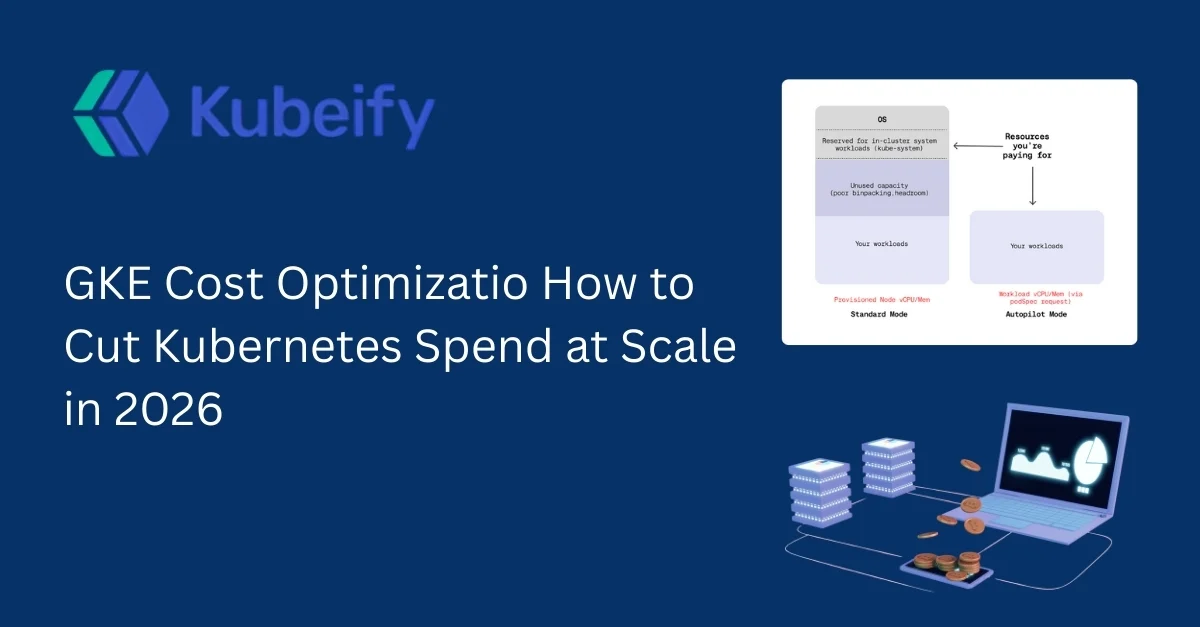
GKE Cost Optimization How to Cut Kubernetes Spend at Scale in 2026
Table of Contents
-
Introduction: Why GKE Costs Are Exploding in 2026
-
Understanding GKE Pricing in 2026 (What Actually Costs You Money)
-
The Real Reasons GKE Costs Spiral Out of Control
-
GKE Cost Optimization Pillars (A Practical Framework)
-
Cluster-Level Optimization Strategies
-
Node & Compute Cost Optimization on GKE
-
Pod, Container, and Workload Right-Sizing
-
Autoscaling Done Right: HPA, VPA, and Cluster Autoscaler
-
Storage & Network Cost Optimization in GKE
-
Observability, Monitoring, and Cost Visibility
-
FinOps for GKE: Governance, Budgets, and Accountability
-
Advanced GKE Cost Optimization Techniques for Scale
-
Common GKE Cost Optimization Mistakes to Avoid
-
GKE Cost Optimization Checklist (2026 Edition)
-
FAQs on GKE Cost Optimization
1. Introduction: Why GKE Costs Are Exploding in 2026
GKE has become the default Kubernetes platform for fast-growing engineering teams. It’s reliable, scalable, deeply integrated with Google Cloud, and abstracts away much of Kubernetes complexity.
But in 2026, GKE cost optimization is no longer optional.
As teams scale to dozens of clusters, hundreds of microservices, and thousands of pods, GKE costs quietly balloon. The scary part? Most of that spend comes from waste, not real usage.
Overprovisioned nodes, idle workloads, forgotten clusters, misconfigured autoscaling, and poor visibility can inflate your monthly bill by 30–60% sometimes more.
This article is a practical, battle-tested guide to cutting Kubernetes spend on GKE at scale, without sacrificing performance, reliability, or developer velocity.
2. Understanding GKE Pricing in 2026 (What Actually Costs You Money)
Before optimizing, you must understand where GKE charges come from.
2.1 GKE Control Plane Costs
In 2026, Google charges a management fee per cluster, after the free tier. While relatively small, this becomes noticeable at scale if you run many small clusters.
Key takeaway:
Fewer, well-structured clusters are usually cheaper than many fragmented ones.
2.2 Compute Costs (The Biggest Chunk)
Compute is where most GKE spend happens:
-
VM instances (nodes)
-
Machine types (standard, compute-optimized, memory-optimized)
-
On-demand vs committed use vs Spot VMs
Even slight overprovisioning here leads to massive waste.
2.3 Storage Costs
Includes:
-
Persistent Disks
-
SSD vs standard disks
-
Unused PVCs
-
Snapshot storage
Storage is often forgotten, but stale volumes quietly accumulate cost.
2.4 Network Costs
Egress traffic, load balancers, NAT gateways, and inter-zone communication can add up especially for data-heavy workloads.
3. The Real Reasons GKE Costs Spiral Out of Control
Most GKE cost issues are organizational, not technical.
3.1 Overprovisioning “Just in Case”
Teams over-allocate CPU and memory because:
-
They fear outages
-
They don’t trust autoscaling
-
No one owns cost accountability
Result: nodes run at 10–20% utilization.
3.2 Lack of Cost Visibility
If engineers can’t see:
-
Cost per namespace
-
Cost per workload
-
Cost per team
They won’t optimize.
3.3 Autoscaling Misconfiguration
Autoscaling done wrong is worse than no autoscaling:
-
HPA scaling too aggressively
-
Cluster Autoscaler adding nodes that never get used
-
VPA disabled due to fear of restarts
3.4 Zombie Resources
Examples:
-
Old namespaces
-
Test clusters running 24/7
-
PVCs attached to deleted workloads
-
Abandoned load balancers
These are silent budget killers.
4. GKE Cost Optimization Pillars (A Practical Framework)
Successful GKE cost optimization rests on five pillars:
-
Visibility
-
Right-Sizing
-
Autoscaling
-
Pricing Strategy
-
Governance (FinOps)
Miss one, and optimization won’t stick.
5. Cluster-Level Optimization Strategies
5.1 Reduce Cluster Sprawl
Running too many clusters:
-
Increases control plane costs
-
Duplicates idle capacity
-
Complicates governance
Best practice in 2026:
-
Fewer clusters
-
Logical separation via namespaces
-
Strong RBAC and network policies
5.2 Use Regional vs Zonal Clusters Wisely
Regional clusters cost more but improve availability.
Cost optimization tip:
-
Use regional clusters only for mission-critical workloads
-
Use zonal clusters for dev, test, and batch jobs
6. Node & Compute Cost Optimization on GKE
6.1 Choose the Right Machine Types
Many teams default to general-purpose VMs.
Better approach:
-
Compute-heavy workloads → compute-optimized
-
Memory-heavy workloads → memory-optimized
-
Burstable workloads → smaller, flexible nodes
Wrong machine types waste money even at full utilization.
6.2 Use Spot VMs Aggressively (But Smartly)
Spot VMs can reduce compute cost by 60–90%.
Best workloads for Spot:
-
Batch processing
-
CI/CD runners
-
Non-critical background jobs
-
Data processing pipelines
Combine Spot VMs with:
-
Pod disruption budgets
-
Retry logic
-
Multi-node pools
6.3 Node Pool Segmentation
Never run all workloads on one node pool.
Create pools based on:
-
SLA requirements
-
Spot vs on-demand
-
CPU vs memory needs
This prevents expensive workloads from blocking cheap capacity.
7. Pod, Container, and Workload Right-Sizing
7.1 Requests and Limits Matter More Than You Think
Kubernetes schedules based on requests, not actual usage.
If your requests are inflated:
-
Nodes appear “full”
-
Autoscaler adds nodes
-
Costs spike
7.2 Measure Real Usage
Use:
-
Metrics Server
-
Cloud Monitoring
-
Cost tools like OpenCost
Collect at least 2–4 weeks of usage data before resizing.
7.3 Right-Sizing Strategy
Steps:
-
Lower CPU requests gradually
-
Keep memory requests realistic
-
Set limits slightly above observed peaks
-
Review monthly
Right-sizing alone can cut 20–40% of GKE costs.
8. Autoscaling Done Right: HPA, VPA, and Cluster Autoscaler
8.1 Horizontal Pod Autoscaler (HPA)
Best for:
-
Stateless services
-
Web APIs
-
Traffic-driven workloads
Mistakes to avoid:
-
Scaling on CPU when latency is the real issue
-
Aggressive scaling thresholds
8.2 Vertical Pod Autoscaler (VPA)
VPA is safer in 2026 than before.
Use it for:
-
Backend services
-
Internal tools
-
Jobs with predictable usage
Run VPA in recommendation mode first.
8.3 Cluster Autoscaler Optimization
Tune:
-
Scale-down delays
-
Node utilization thresholds
-
Expander strategies
Poor tuning leads to node churn and wasted spend.
9. Storage & Network Cost Optimization in GKE
9.1 Clean Up Persistent Volumes
Common issue:
- PVCs remain after app deletion
Fix:
-
Enable lifecycle policies
-
Periodic audits
-
Alerts on unused volumes
9.2 Choose the Right Disk Type
SSD is fast but expensive.
Use:
-
Standard PD for logs and backups
-
SSD only where latency matters
9.3 Reduce Network Egress
Cost-saving tactics:
-
Keep services in the same region
-
Use internal load balancers
-
Cache aggressively
10. Observability, Monitoring, and Cost Visibility
10.1 Cost Allocation by Namespace and Label
Tag everything:
-
team
-
environment
-
application
-
cost-center
This enables accountability.
10.2 Real-Time Cost Dashboards
Engineers optimize what they see.
Show:
-
Daily burn rate
-
Cost per deployment
-
Idle resource alerts
11. FinOps for GKE: Governance, Budgets, and Accountability
11.1 Shift Cost Ownership Left
Costs shouldn’t belong only to finance.
Each team should:
-
See their spend
-
Own optimization
-
Have budgets
11.2 Set Guardrails, Not Roadblocks
Examples:
-
Maximum node size limits
-
Default resource quotas
-
Auto-shutdown for idle environments
12. Advanced GKE Cost Optimization Techniques for Scale
12.1 Workload Scheduling by Cost
Schedule:
-
Non-urgent jobs during off-peak
-
Batch jobs on Spot-heavy pools
12.2 Multi-Cluster Cost Optimization
At scale:
-
Place workloads where compute is cheaper
-
Use regional pricing differences strategically
13. Common GKE Cost Optimization Mistakes to Avoid
-
Blindly reducing requests
-
Ignoring memory usage
-
Overusing SSDs
-
Running dev clusters 24/7
-
No cost reviews
Optimization is continuous, not one-time.
14. GKE Cost Optimization Checklist (2026 Edition)
✔ Right-size all workloads
✔ Use Spot VMs where possible
✔ Segment node pools
✔ Clean up unused resources
✔ Enable cost visibility
✔ Implement FinOps practices
✔ Review costs monthly
15. FAQs: GKE Cost Optimization
1. What is GKE cost optimization?
GKE cost optimization is the practice of reducing unnecessary Kubernetes spend by right-sizing resources, improving autoscaling, using efficient pricing models, and enforcing governance.
2. How much can I realistically save on GKE?
Most teams save 25–50% within 3–6 months with structured optimization.
3. Are Spot VMs safe for production?
Yes, for fault-tolerant workloads with proper disruption handling.
4. Does autoscaling always reduce cost?
Only when correctly configured. Poor autoscaling can increase costs.
5. Should I use VPA in production?
Yes, but start in recommendation mode and roll out gradually.
6. How often should I review GKE costs?
At least monthly, weekly for fast-growing teams.
7. Is it better to have many small clusters?
No. Cluster sprawl increases cost and complexity.
8. What tools help with Kubernetes cost optimization?
Native monitoring, OpenCost, and cloud billing dashboards are commonly used.
9. How does FinOps help GKE optimization?
It creates accountability, visibility, and continuous improvement.
10. Is GKE more expensive than other Kubernetes platforms?
Not inherently poor configuration makes it expensive.