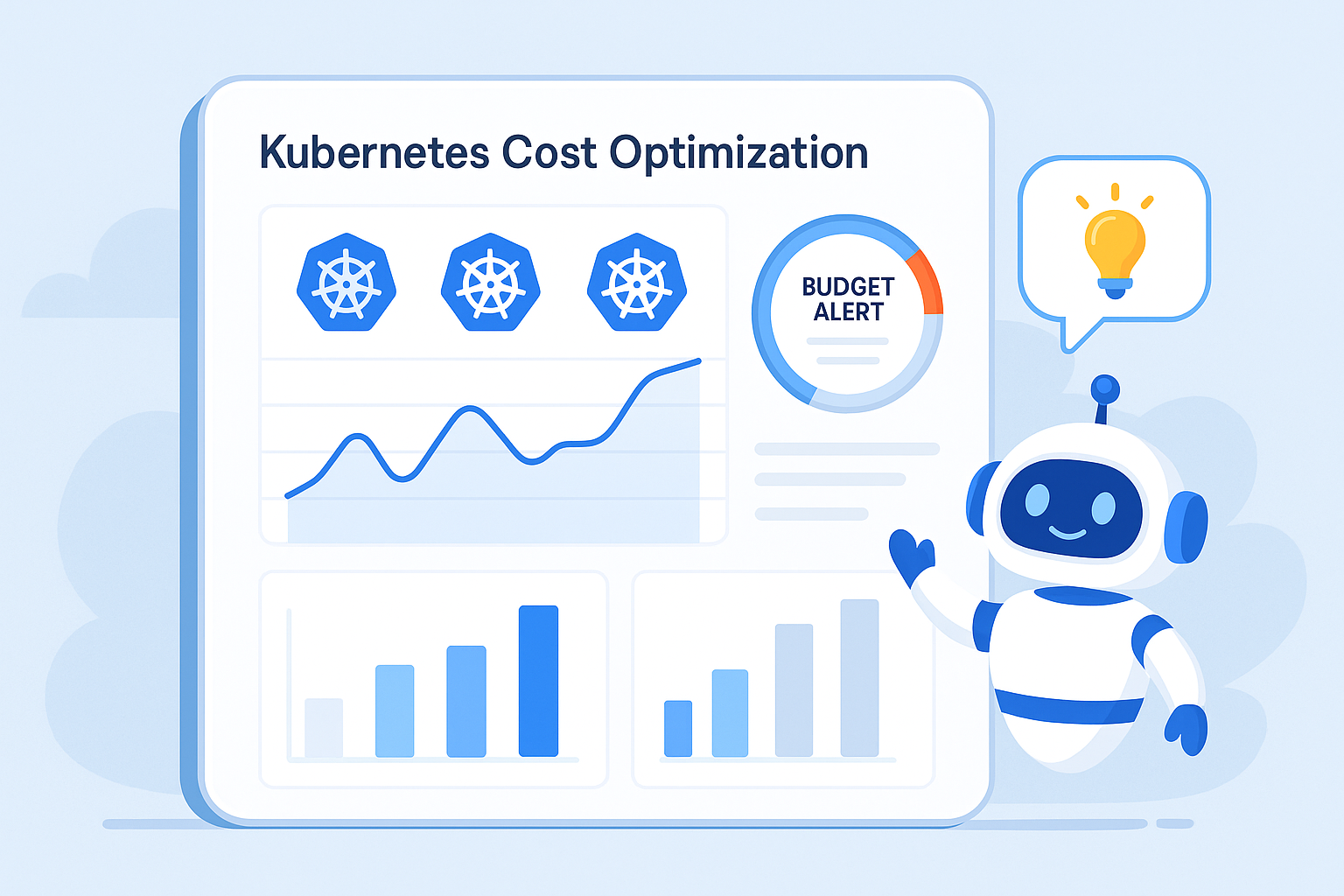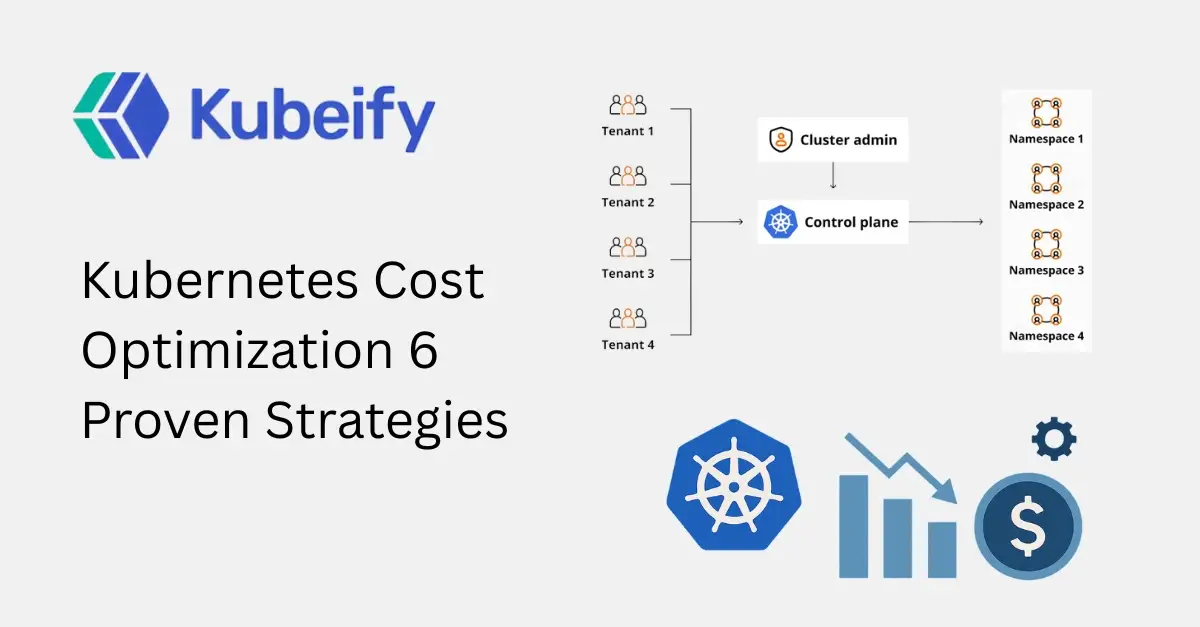
Kubernetes Cost Optimization 6 Proven Strategies
Table of Contents
-
Understanding Kubernetes Cost Challenges
-
Why Kubernetes Cost Optimization Is Hard
-
Strategy 1: Right-Size Pods and Nodes
-
Strategy 2: Implement Efficient Autoscaling
-
Strategy 3: Eliminate Idle and Wasted Resources
-
Strategy 4: Optimize Node Pools and Instance Types
-
Strategy 5: Improve Workload Scheduling and Resource Isolation
-
Strategy 6: Gain Visibility with Cost Monitoring and FinOps Practices
-
Common Kubernetes Cost Optimization Mistakes
-
Final Thoughts
-
FAQs: Kubernetes Cost Optimization
Understanding Kubernetes Cost Challenges
Kubernetes itself is free and open source, but running Kubernetes is not free. The real costs come from the underlying infrastructure—compute, storage, networking, and managed services provided by cloud vendors like AWS, Azure, and Google Cloud.
The most common Kubernetes cost drivers include:
-
Over-provisioned CPU and memory
-
Underutilized nodes running 24/7
-
Inefficient autoscaling configurations
-
Idle development and staging environments
-
Persistent volumes that are never cleaned up
-
Lack of cost visibility at the namespace or workload level
Without active cost governance, Kubernetes environments tend to grow organically—and inefficiently.
Why Kubernetes Cost Optimization Is Hard
Kubernetes abstracts infrastructure complexity, which is great for developers but challenging for cost control. Several factors make cost optimization difficult:
1. Dynamic and Ephemeral Resources
Pods, nodes, and services constantly scale up and down, making traditional cost tracking ineffective.
2. Shared Infrastructure
Multiple teams and applications share the same cluster, making it hard to attribute costs accurately.
3. Over-Provisioning for Safety
Teams often request more resources than needed “just in case,” leading to low utilization.
4. Lack of Ownership
When no team owns Kubernetes costs, optimization becomes nobody’s responsibility.
This is why intentional Kubernetes cost optimization strategies are essential.
Strategy 1: Right-Size Pods and Nodes
Why Right-Sizing Matters
One of the biggest contributors to Kubernetes cloud costs is over-allocated resources. Many pods request far more CPU and memory than they actually use, forcing Kubernetes to schedule larger and more expensive nodes.
Common Right-Sizing Problems
-
Requests set equal to limits without data
-
Copy-paste resource values across services
-
Legacy configurations never revisited
How to Right-Size Kubernetes Resources
1. Analyze Actual Usage
Use metrics from tools like Prometheus, Metrics Server, or cloud monitoring to understand real CPU and memory consumption.
2. Adjust Requests and Limits
Set requests closer to average usage and limits based on realistic peak needs, not worst-case assumptions.
3. Use Vertical Pod Autoscaler (VPA)
VPA automatically recommends or applies resource adjustments based on historical usage.
Benefits of Right-Sizing
-
Higher node utilization
-
Fewer required nodes
-
Lower compute costs
-
Reduced scheduling failures
Right-sizing alone can reduce Kubernetes costs by 20–40% in many environments.
Strategy 2: Implement Efficient Autoscaling
Autoscaling is one of Kubernetes’ strongest features—but only when configured correctly.
Horizontal Pod Autoscaler (HPA)
HPA scales pods based on CPU, memory, or custom metrics. However, poor configurations can cause:
-
Over-scaling during short traffic spikes
-
Delayed scale-down, wasting resources
-
Inefficient metric thresholds
Best Practices for HPA
-
Use custom metrics (request rate, queue depth)
-
Tune scale-down stabilization windows
-
Avoid aggressive scaling policies
Cluster Autoscaler
Cluster Autoscaler adjusts the number of nodes based on pending pods.
Optimization Tips
-
Use node auto-provisioning wisely
-
Enable scale-down of empty nodes
-
Avoid mixing incompatible workloads on the same node pool
Autoscaling done right ensures you pay only for what you need, when you need it.
Strategy 3: Eliminate Idle and Wasted Resources
Idle resources are silent cost killers in Kubernetes.
Common Sources of Waste
-
Dev and staging environments running 24/7
-
Orphaned persistent volumes
-
Unused load balancers and IPs
-
Completed jobs and unused namespaces
How to Reduce Idle Kubernetes Costs
1. Schedule Non-Production Environments
Shut down dev and test clusters outside working hours.
2. Use TTL Controllers
Automatically clean up completed jobs and temporary resources.
3. Audit Regularly
Run periodic audits to detect unused services, volumes, and namespaces.
Impact
Organizations often discover 10–30% of their Kubernetes spend is tied to idle resources.
Strategy 4: Optimize Node Pools and Instance Types
Not all workloads need the same type of compute.
Separate Workloads by Requirements
Create multiple node pools for:
-
Stateless services
-
Stateful workloads
-
Batch jobs
-
GPU or memory-intensive applications
Use Cost-Effective Instances
Spot / Preemptible Instances
Ideal for fault-tolerant workloads like batch processing and CI jobs.
ARM-Based Instances
Often cheaper and more power-efficient for compatible workloads.
Avoid Overpowered Nodes
Large instances with low utilization waste money. Smaller, right-sized nodes often lead to better bin-packing and lower costs.
Strategy 5: Improve Workload Scheduling and Resource Isolation
Efficient scheduling ensures Kubernetes uses resources optimally.
Use Node Affinity and Taints
-
Prevent expensive nodes from running low-priority workloads
-
Ensure critical services get the resources they need
Leverage Pod Priority and Preemption
-
Allow high-priority workloads to preempt less critical ones
-
Reduce the need for over-provisioning
Namespace-Level Resource Quotas
Set CPU and memory limits per team or environment to prevent uncontrolled growth.
Strategy 6: Gain Visibility with Cost Monitoring and FinOps Practices
You can’t optimize what you can’t see.
Kubernetes Cost Visibility Challenges
-
Cloud bills don’t map cleanly to Kubernetes workloads
-
Teams lack cost accountability
-
Engineering and finance teams operate in silos
Implement Kubernetes Cost Monitoring
Use tools that provide:
-
Namespace-level cost breakdowns
-
Pod and workload cost attribution
-
Trend analysis and anomaly detection
Adopt FinOps for Kubernetes
FinOps brings engineering, finance, and operations together to:
-
Define cost ownership
-
Set budgets and alerts
-
Continuously optimize spend
Cost optimization is not a one-time project—it’s an ongoing practice.
Common Kubernetes Cost Optimization Mistakes
-
Focusing only on infrastructure, not workloads
-
Ignoring non-production environments
-
Overusing limits “just to be safe”
-
Treating cost optimization as a finance problem only
-
Making aggressive cuts that hurt performance
The goal is efficient Kubernetes, not cheap Kubernetes.
Final Thoughts
Kubernetes cost optimization is about balance—between performance, reliability, and efficiency. By applying the six proven strategies covered in this guide, teams can significantly reduce cloud spend while maintaining high-quality service delivery.
The most successful organizations treat cost optimization as a continuous engineering discipline, supported by data, automation, and shared ownership.
If you’re running Kubernetes at scale, optimizing costs is no longer optional—it’s a competitive advantage.
FAQs: Kubernetes Cost Optimization
1. What is Kubernetes cost optimization?
Kubernetes cost optimization is the practice of reducing cloud infrastructure expenses by efficiently managing Kubernetes resources without impacting performance.
2. Why are Kubernetes costs so high?
Costs increase due to over-provisioned resources, idle workloads, inefficient autoscaling, and lack of visibility.
3. How much can Kubernetes cost optimization save?
Most organizations can save 20–50% with proper optimization strategies.
4. What is right-sizing in Kubernetes?
Right-sizing means adjusting CPU and memory requests and limits to match actual workload usage.
5. Is autoscaling always cost-effective?
Only when configured correctly. Poor autoscaling can increase costs.
6. How do spot instances help reduce Kubernetes costs?
Spot instances offer significantly lower prices for fault-tolerant workloads.
7. What is FinOps in Kubernetes?
FinOps is a cultural and operational approach that aligns engineering, finance, and operations to manage cloud costs effectively.
8. Should development clusters run 24/7?
No. Scheduling non-production environments can significantly reduce costs.
9. How do I track Kubernetes costs per team?
Use namespace-level cost allocation and monitoring tools.
10. Is Kubernetes cost optimization a one-time task?
No. It requires continuous monitoring, optimization, and collaboration.