How to Scale AI Agent Workloads on Kubernetes Without Overspending
Most teams adopt Kubernetes for AI agents for the same reason they adopted it for web services: it promises efficient use of hardware. With agents, that promise is harder to keep. A web request is short and predictable; an agent task can run for minutes, fan out into dozens of tool calls, wait on a model API, then spike a CPU while it parses a document. If you size and scale that workload like a web app, you either reserve capacity you never use or lose work to throttling and eviction. Both outcomes show up on the invoice.
The goal is not to run the cheapest cluster. It is to keep the cost per completed task low while preserving the latency your users expect and the isolation your security model requires. Those three goals pull against each other, and the useful decisions are the ones that name the tradeoff explicitly.
Where agent costs actually come from
It helps to separate four buckets: compute you reserve, model and API usage, storage and network egress, and engineering time. Kubernetes directly controls the first and third. It influences the second through timeouts, retries, and queueing. The fourth is usually the budget line nobody tracks.
Within compute, the main waste is the gap between requested and used resources. In Kubernetes, a container’s requests determine where it can be scheduled, and its limits determine what it is allowed to consume. Requests are a reservation: a node will not overcommit them, even if the pod sits idle. An agent deployment with a generous CPU request on every replica can hold most of a node’s capacity while doing very little. The Kubernetes documentation on managing resources for containers explains the distinction and the consequences of getting it wrong.
There is a second, less obvious cost: failed work. An agent that gets OOM-killed halfway through a multi-step task has already spent model tokens and tool calls. If it restarts from the beginning, you pay twice. Tight memory limits with no checkpointing are a false economy; generous memory with no visibility into leaks is a different one.
Right-size before you autoscale
Autoscaling amplifies whatever shape you give it. If requests are three times actual usage, adding replicas multiplies the overprovisioning. Measure CPU and memory over a full week, including the p95, not just the average. Set requests near the p95 of steady-state usage, then decide limits deliberately.
For latency-sensitive agent services, CPU limits are often counterproductive because throttling adds tail latency exactly when the queue is building. One option is to set CPU requests without a hard CPU limit and rely on namespace quotas to bound the blast radius. That is a reasonable tradeoff if you accept noisier neighbors. For memory, a limit close to observed peak catches leaks early, provided the process can restart cleanly.
A short example:
resources:
  requests:
    cpu: "500m"
    memory: "1Gi"
  limits:
    memory: "2Gi"
Autoscale on the signal that reflects work
The Horizontal Pod Autoscaler can scale on CPU, memory, or custom and external metrics. For agents, CPU is usually the wrong signal because much of the wall-clock time is spent waiting on a model provider or a tool. Scale on queue depth, in-flight tasks per replica, or request concurrency instead. The HPA documentation covers the algorithm and the behavior knobs, including stabilization windows that prevent rapid flapping.
Flapping is a cost problem, not just an operational annoyance. Aggressive scale-down saves money in steady state but causes cold starts; aggressive scale-up avoids latency but holds capacity during short bursts. A five-minute scale-down window is a reasonable starting point, but interactive products may need longer.
Two practical constraints matter more than the metric choice. First, HPA cannot schedule pods that do not fit; if requests are too large, extra replicas stay pending. Second, scale-to-zero sounds attractive for batch agents, but restarting a pod that pulls a multi-gigabyte image and loads a model can take minutes. Keep a warm floor for interactive traffic and allow zero only for workloads where a delayed start is acceptable. The cluster autoscaler documentation describes how node provisioning interacts with pending pods, including the use of low-priority placeholder pods to keep headroom ready.
Buy cheaper capacity where the work allows it
Spot or preemptible nodes can cut compute cost substantially for batch agent runs, evaluation jobs, and sandboxed tool execution. They are a poor fit for stateful session coordinators and anything with a hard latency SLO. The decision is per workload, not per cluster.
Using interruptible capacity well requires engineering: graceful termination, checkpointing, and idempotent steps. PodDisruptionBudgets limit how many replicas can be evicted at once, and the disruptions documentation explains voluntary versus involuntary disruption. Design the agent loop so a task can resume from the last completed step rather than restarting from scratch. If your agent cannot checkpoint, spot savings are likely to be eaten by repeated model calls.
Treat GPUs as a separate pool
GPU nodes are expensive and easy to strand. Agent workloads often alternate between GPU inference and CPU-bound orchestration, so a pod that holds a whole GPU may use it in short bursts. Options include dedicated GPU node pools, time-slicing, and hardware partitioning where the driver supports it. Kubernetes exposes these devices through the device plugin framework.
Sharing improves utilization but weakens isolation: memory is less predictable and one workload can affect another’s latency. Dedicated GPUs are simpler to reason about and easier to bill internally. A workable split is dedicated capacity for interactive agents and shared capacity for offline batch jobs, with separate node pools and taints so the scheduler does not mix them.
Security is part of the cost model
Agent platforms execute code and call tools with credentials. That makes them a high-value target, and a single incident can cost more than a year of infrastructure savings. A compromised pod can exfiltrate data, abuse API keys, or run compute-heavy workloads that inflate the bill before anyone notices.
Practical controls: run tool execution in sandboxed containers with read-only root filesystems, drop unnecessary capabilities, and apply seccomp or AppArmor profiles. Use default-deny network policies and allow only the egress endpoints the agent actually needs. Prefer short-lived workload identity over long-lived secrets stored in environment variables; the secrets good practices guide covers the limits of Kubernetes Secrets and why encryption at rest and external secret stores matter.
The tradeoff is friction. Strict egress rules break tools that call unpredictable endpoints, and sandboxing complicates debugging. Budget for an allowlist process rather than disabling controls when a tool fails.
Make cost visible per team and per task
Optimization stalls when nobody owns the number. Label namespaces and workloads by team, environment, and agent, then report cost per completed task rather than cost per cluster. Include model tokens alongside compute seconds; otherwise a cheap cluster running an expensive retry loop looks efficient.
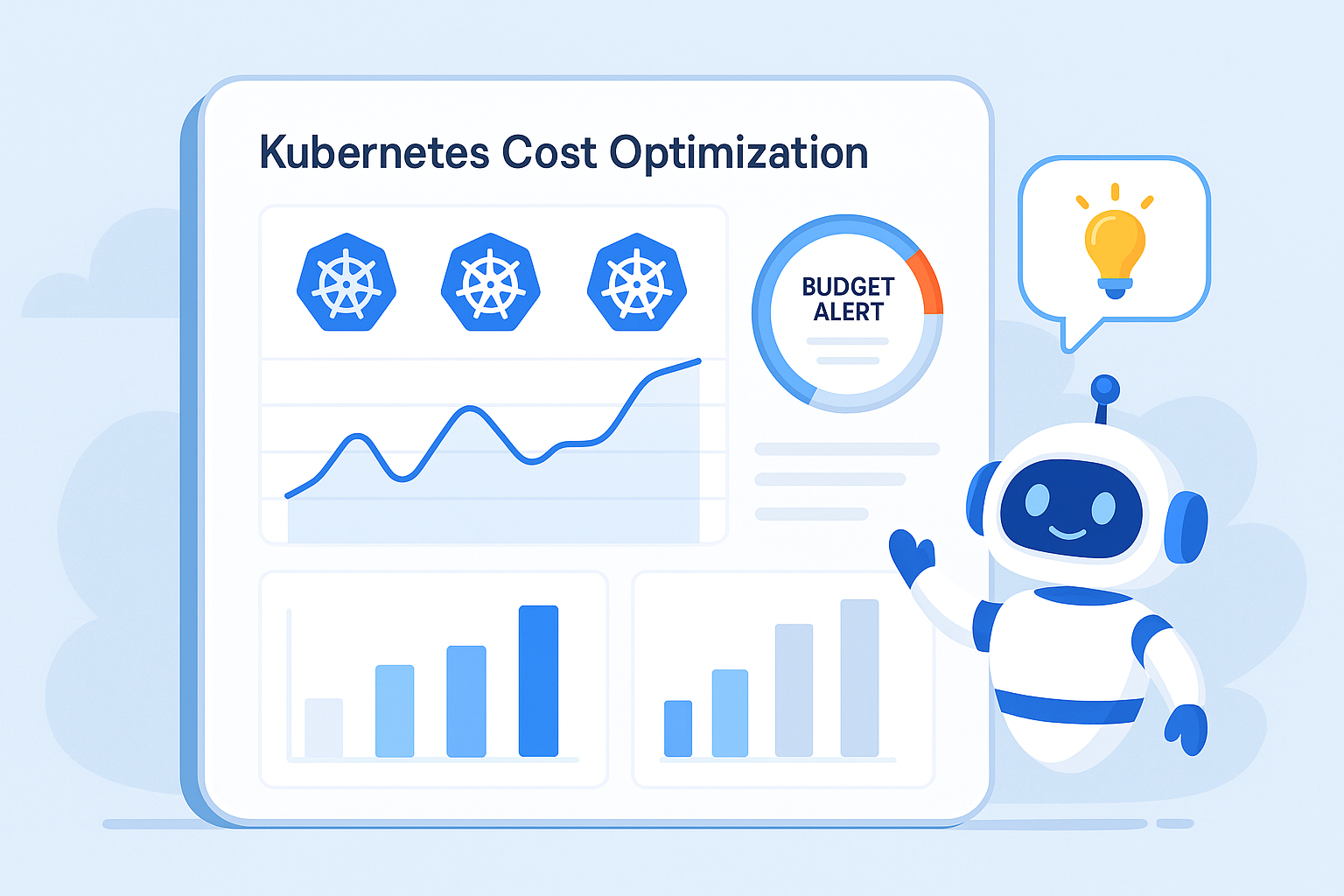
Decide whether you want showback (visibility) or chargeback (internal billing). Showback is easier to start and usually enough to change behavior. Add namespace quotas and budget alerts so a runaway job is capped rather than discovered at month end.
A sequence that works
Instrument usage before changing anything. Right-size requests and limits from observed data. Replace CPU-based autoscaling with a work-based signal. Split node pools by interruption tolerance and hardware type. Add security guardrails and per-team budgets. Then revisit monthly, because agent traffic patterns change as prompts and tools change.
None of these steps requires a large platform team, but each requires someone to own the decision. That ownership is the difference between a cluster that scales and a cluster that merely grows.
Frequently asked questions
Do we need GPUs to run agents on Kubernetes? No. Agents can call hosted model APIs and need only CPU for orchestration, retrieval, and tool execution. GPUs matter when you self-host models or run local inference, and they change the sizing and isolation decisions.
Can we use spot instances in production? Yes, for workloads that can tolerate interruption and resume from a checkpoint. Keep latency-critical and stateful components on on-demand capacity, and use disruption budgets to limit simultaneous evictions.
Should we use HPA or KEDA? HPA is built in and works well with resource or custom metrics. KEDA adds event-driven sources and scale-to-zero, which helps queue-based batch agents. They can run together: KEDA for queue consumers, HPA for services.
What is the fastest way to reduce spend? Right-size requests, delete idle development namespaces, and cap retries. These usually beat switching providers or re-architecting.
Is serverless Kubernetes cheaper? It depends on burstiness and cold-start tolerance. You pay a premium per request but avoid paying for idle nodes. Batch workloads with long idle gaps often benefit; steady interactive traffic often does not.
How do we isolate multiple customers on one cluster? Combine namespaces, resource quotas, network policies, and sandboxed execution. For stronger isolation, separate node pools or clusters per tenant.
If you want a second opinion on your current setup, talk to Kubeify about where the waste is and which changes are worth making first.