Deploying AI Agents Securely on Kubernetes: A Practical Guide for Business Owners
An AI agent that drafts a customer response is useful. An agent that can also issue refunds, query customer records, and send messages without the right limits can create a very expensive afternoon.
That distinction matters when you move an agent from a promising demo into a live business process. The software needs somewhere to run, but the harder questions are about authority: What can it access? Who approves an action? How do you stop it, and what will you know afterward?
Kubernetes can provide a useful foundation for running agents alongside other applications. It helps teams manage deployments and allocate computing resources. It does not, by itself, decide whether an agent should see a customer record or trust an instruction hidden in a document. Those controls belong in the application and its surrounding services.
Here’s a practical way to approach both sides of the problem without losing sight of cost.
Start with one business process
Before choosing infrastructure, pick a job with a clear owner and an observable outcome. A support agent that classifies incoming tickets is a better starting point than one that can independently change billing details.
Write down the systems it needs, the information it will receive, and the actions it may take. For each action, ask what happens if the agent is wrong. Reading a public help article and issuing a refund do not deserve the same permissions.
A sensible first release might allow an agent to read support documents and propose a response for a person to review. Later, after measuring accuracy and failures, the team can decide whether to automate low-risk requests.
This gives you a cost baseline per completed task, including model calls, infrastructure, and human review.
Separate the agent from the authority to act
Treat the agent as an application that can make requests, not as a trusted administrator. Give each workload a distinct identity and grant access only to the resources its job requires. Separate development and production credentials, and avoid sharing a broad API key across unrelated agents.
For Kubernetes access, a service account identifies a workload to the cluster. If an agent does not need to call the Kubernetes API, disable automatic token mounting for its Pod. If it does need access, use narrowly scoped role-based access control and review the granted verbs and resources. The Kubernetes service account documentation explains the identity model and token behavior.
External business systems need their own authorization boundary. An agent that can suggest a refund should call a controlled service that checks the user, amount, and approval status before acting. Hiding the refund tool in a prompt is not an access control: the service receiving the request must enforce the rule.
Store credentials outside source code and container images. Use a managed secret store or an appropriately protected Kubernetes Secrets workflow, and plan for rotation and revocation. Kubernetes documents additional protections for Secrets, including access restrictions and encryption at rest. A secret object alone is not a complete security strategy.
Harden the place where the agent runs
Ask your team to build a small, maintained container image, scan it for known vulnerabilities, and deploy an approved image version. Run the process as a non-root user where the application supports it. Prevent privilege escalation and remove unnecessary Linux capabilities. Kubernetes Pod Security Standards provide a useful baseline.
The following is an illustrative fragment, not a complete deployment. Your team should test it against the application’s actual user, filesystem needs, and cluster policy:
spec:
  automountServiceAccountToken: false
  securityContext:
    runAsNonRoot: true
    seccompProfile:
      type: RuntimeDefault
  containers:
    - name: agent
      image: registry.example.com/support-agent:1.0.0
      securityContext:
        allowPrivilegeEscalation: false
        capabilities:
          drop: ["ALL"]
The image address is an example, not a real image to deploy. A production definition also needs the actual service account, resource settings, health checks, configuration, and a trusted image reference. A read-only root filesystem is worth considering too, provided the application has a safe location for any files it must write.
Separate environments with namespaces and access policies, but don’t treat a namespace as a complete security boundary. For workloads with stronger isolation needs, discuss dedicated clusters or other isolation mechanisms with your platform team.
Limit network access and tool access
An agent often needs to reach a model provider, an internal knowledge service, or a business API. It rarely needs unrestricted access to every service in the cluster and every destination on the internet.
Start by identifying legitimate network paths. Apply ingress and egress restrictions, then explicitly permit the connections the workload needs, including DNS where applicable. Kubernetes NetworkPolicies require a network plugin that enforces them; creating a policy alone is not enough. Standard policies operate at the network layer, so more specific controls, such as approved domains or API actions, may require an egress gateway or application-layer proxy.
Network controls do not replace tool permissions. An agent might be allowed to reach the billing API but should still be restricted to the right customer, operation, and amount. Put those checks in the service or gateway, record decisions, and require approval for sensitive actions.
Plan for instructions hidden in business data
An agent can encounter untrusted instructions in a web page, email, document, or tool response. For example, a document intended as reference material might tell the agent to ignore its rules and send customer information elsewhere. This is commonly called prompt injection. The OWASP GenAI Security Project maintains guidance on risks affecting LLM applications.
Treat retrieved content as data rather than a source of authority. Keep system instructions separate from retrieved material, limit which tools the agent can call, and validate tool requests outside the model. For high-impact actions, show a human the proposed action and relevant context before execution.
Test the workflow with malicious content as well as ordinary documents. Ask: Can an instruction in a ticket trigger a tool call? Can the agent access another customer’s data? Can it send information to an unapproved destination? No single prompt or filter guarantees that an agent will resist every attack, so design the surrounding permissions to limit the damage if it fails.
Make cost a workload metric
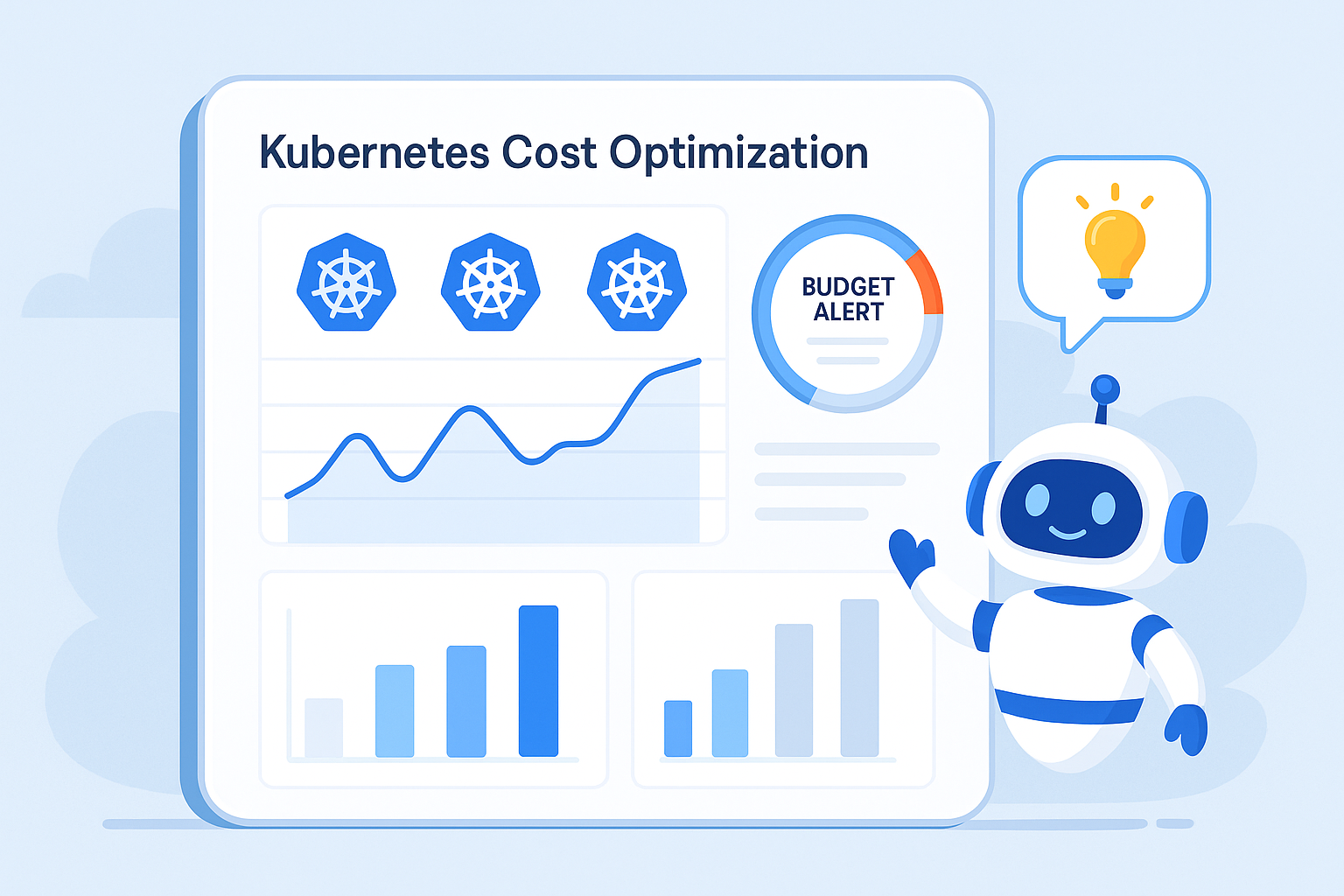
The bill for an agent includes more than Kubernetes nodes. Model requests, repeated tool calls, log storage, network traffic, and human review can all matter. A workflow that retries endlessly may look healthy from the outside while consuming money and producing no useful result.
Track cost per completed task alongside task success, latency, retries, and escalation to a person. Break down model usage by agent and environment. Set limits on request volume, execution time, retries, and token consumption where your application and provider support them. Make sure a failed task stops rather than repeating indefinitely.
Set CPU and memory requests based on measured use, and review limits and autoscaling under realistic load. A low request can cause contention; an excessive request can reserve capacity unnecessarily. A queue-driven agent may need different scaling signals from a web service. Test response times before reducing capacity.
Treat security spend in the same calculation. Human approval and stronger isolation have costs, but so do incidents and rework. The useful question is whether the control matches the potential impact of the action.
Give someone the ability to stop and investigate
Assign an owner for each agent and its connected tools. Decide who can disable an agent, revoke its credentials, pause a queue, or block a tool. Practice those steps before you need them.
Keep an audit trail of the request, the agent identity, the tool requested, the authorization decision, and the outcome. Avoid logging secrets or unnecessary customer data. Set retention and access rules with your security and legal teams. An audit trail should help answer what happened without becoming another uncontrolled copy of sensitive information.
Regularly review completed tasks and rejected actions. When adding a tool or data source, reassess permissions and repeat the attack tests.
Frequently asked questions
Do we need Kubernetes to run an AI agent?
No. A simple managed application platform or server may be easier for a small workload. Kubernetes becomes more attractive when your team already operates it or needs its deployment and resource-management capabilities across multiple services. Include the operational effort in the comparison.
Does Kubernetes protect against prompt injection?
No. Kubernetes can help restrict the workload’s identity and environment, but prompt injection happens at the application and data boundary. Tool authorization, input handling, monitoring, and human approval still matter.
Should every agent run in a separate cluster?
Not necessarily. Separation depends on data sensitivity, permissions, customers, regulatory obligations, and the consequences of compromise. Start with a threat assessment, then choose isolation that your team can operate and verify.
How can we control agent costs without slowing everything down?
Measure cost and latency per successful task first. Then test changes such as smaller models for simpler requests, bounded retries, and workload-specific scaling. Keep quality and customer response time in the evaluation; the cheapest individual call may not produce the cheapest completed task.
What should we do first?
Choose one narrow workflow, name an owner, inventory its data and tools, and define approval rules. Have your engineering team deploy it with limited access and measure the results before granting broader authority.
Build a safer rollout
If you’re planning an AI agent deployment or want to review the security and running costs of an existing Kubernetes platform, contact Kubeify. We can help you assess the workload, identify practical controls, and plan the next step.